OCR
Text from scans, photos, PDFs – handwriting only to a limited extent.
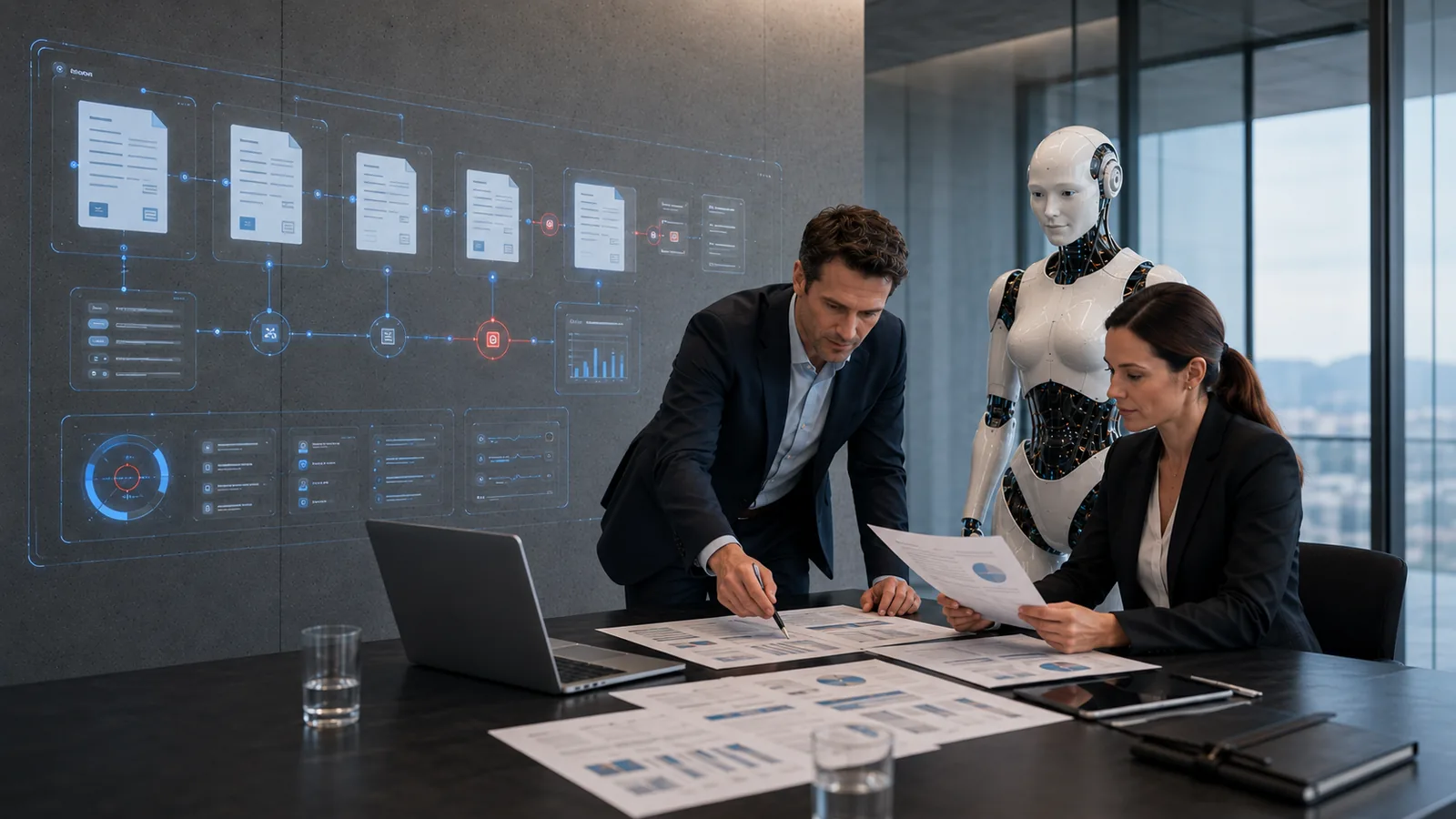
Recognise, structure and use documents automatically: OCR, extraction, classification, checks and assignment for invoices, contracts, plans, reports, receipts.
In short: Document AI turns paper, scans and PDFs into structured data. It reads them, extracts fields, identifies the document type, validates the data and routes it. Sensitive documents stay local.
Text from scans, photos, PDFs – handwriting only to a limited extent.
Amounts, dates, parties, line items, property reference.
Invoice, contract, plan, job report, expert report.
Completeness, plausibility, matching.
Client, project, case – in the shared data core.
Into the DMS, the project files, Easy Factura.
| Fits when | Doesn’t fit when |
|---|---|
| many documents of the same type come in | there are only a few, very different documents |
| fields are clearly defined | interpretation requires expertise that isn’t documented |
| the documents are digital or can be scanned | quality and handwriting make recognition impossible |
Sample images from our visual library – the interfaces shown are illustrations, not client data.

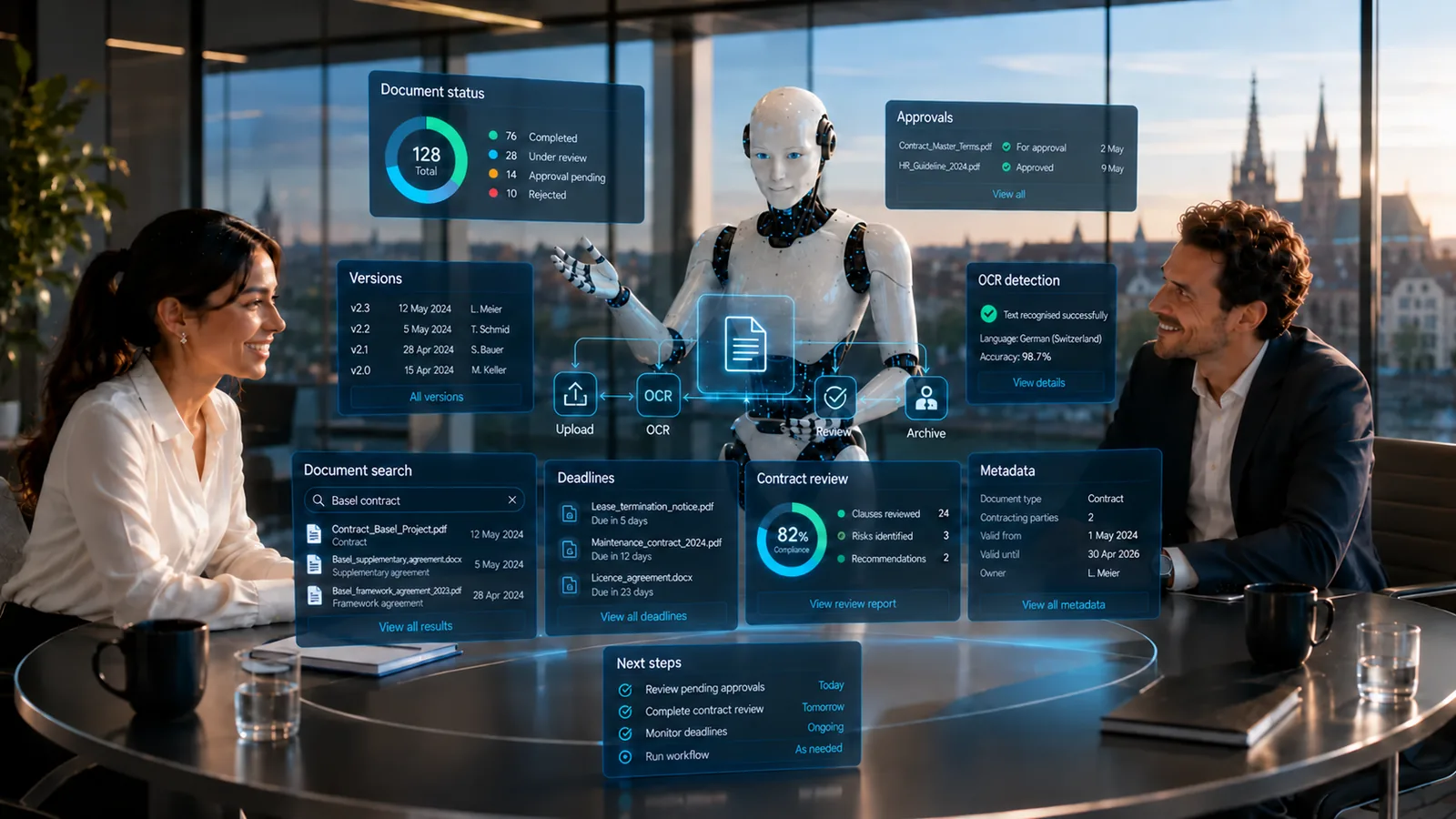
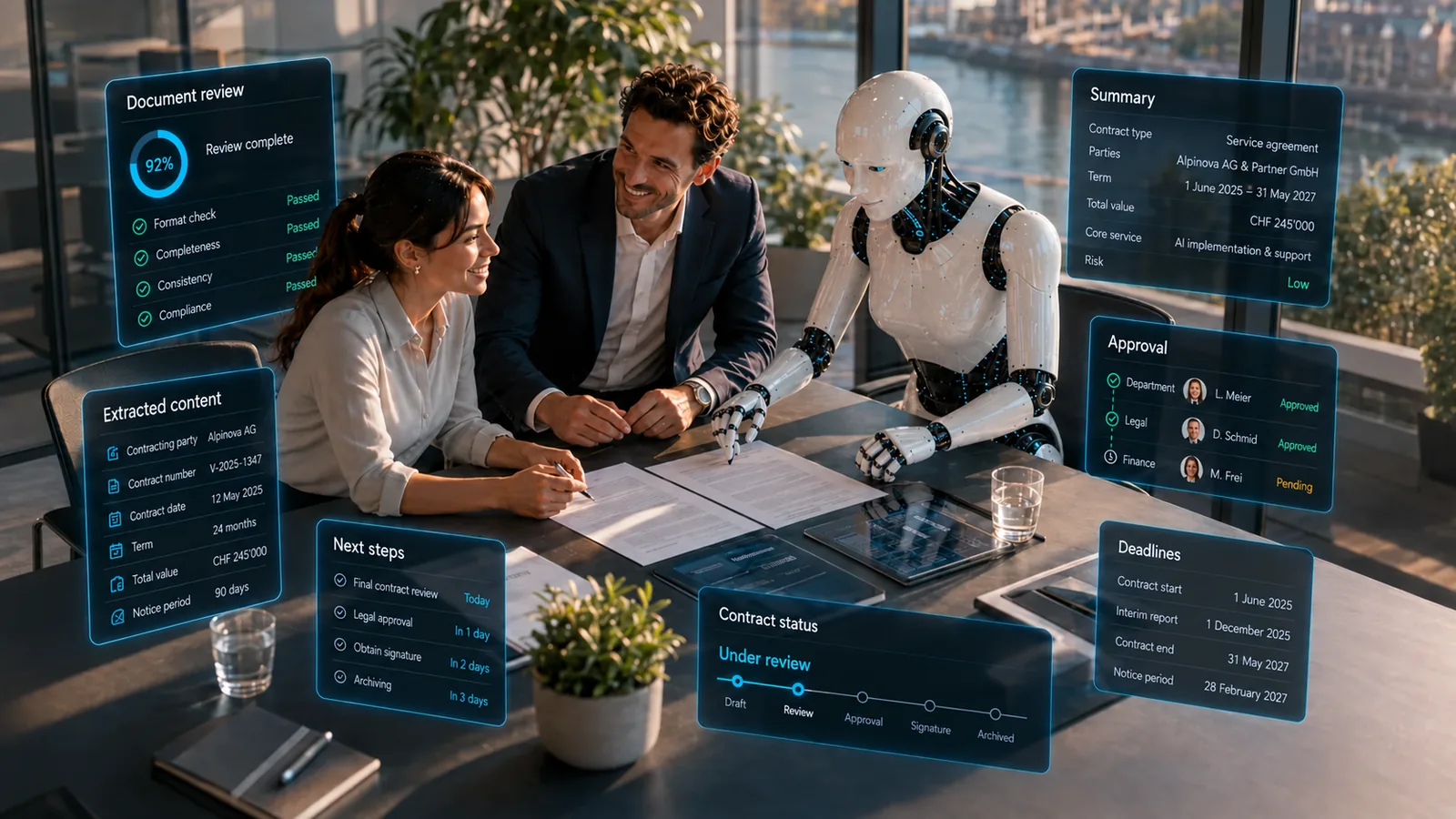
Products only where they fit the task.
Documents stay in the controlled environment – local or private cloud.
View detailsJob reports and receipts through to the invoice.
View detailsIt depends on document quality and the fields. We measure it in the pilot and define when a person checks.
Yes, if you decide so: processing locally or in a Swiss private cloud.
PDF, scans, photos, Office documents; details per project.
The AI potential assessment checks this on a specific workflow – free of charge, with a clear recommendation.