Take the request
Your website, email, a phone note or the CRM supplies the appointment request.
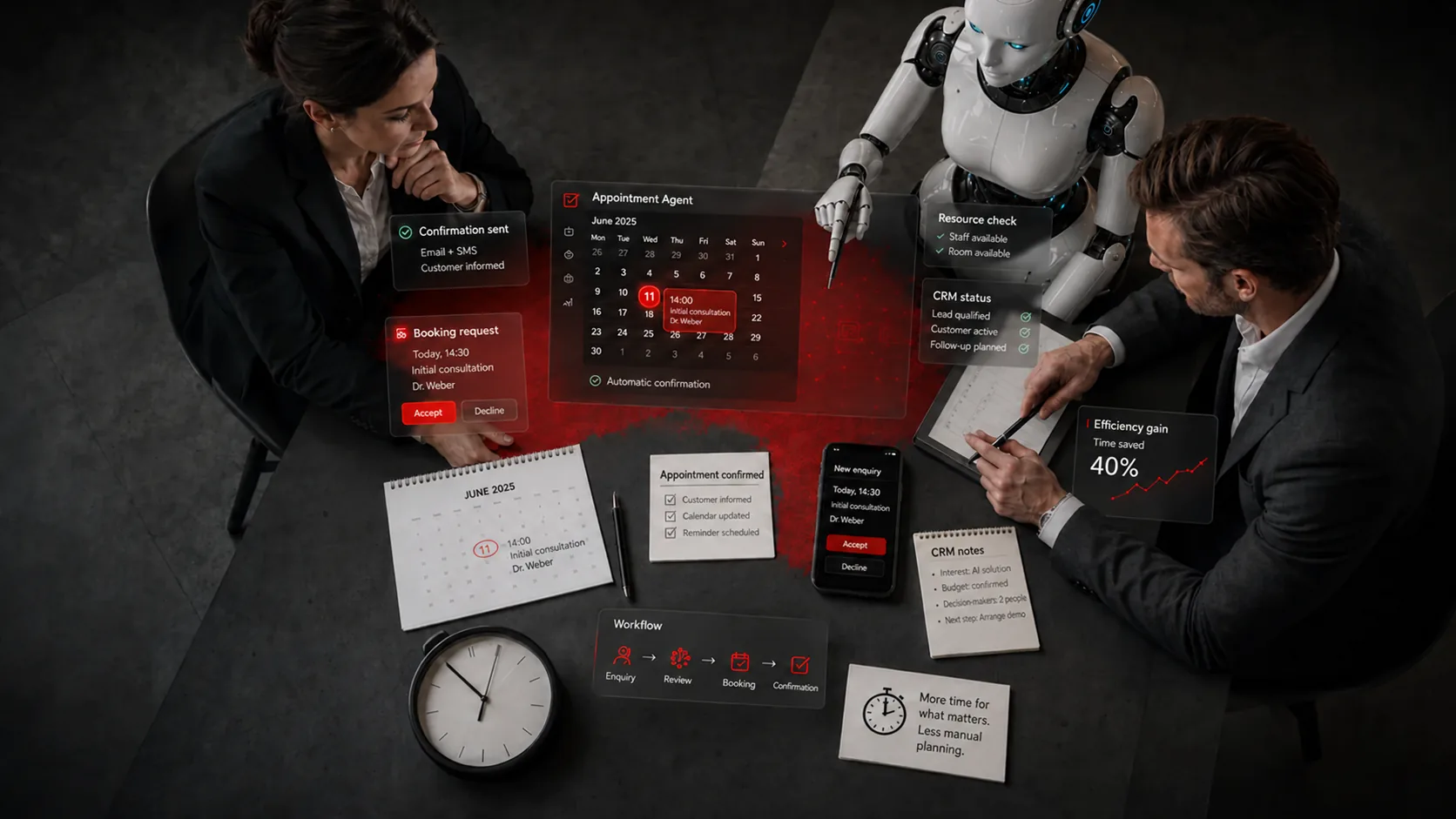
The Appointment Agent takes requests, checks availability and prepares bookings according to your rules. Your team decides which cases run automatically and which need approval.
In short: Appointments seem minor until they are spread across email, phone, website, team calendars and follow-up questions. That is exactly where waiting times, no-shows and admin work arise. The Appointment Agent works with your calendars, resources, appointment types and approvals. Whatever is clear-cut runs automatically. Whatever is critical stays with your team.
Your website, email, a phone note or the CRM supplies the appointment request.
The topic, urgency, language and suitable appointment type are identified.
Calendars, rooms, buffer times and responsibilities are matched.
Clear-cut cases are prepared for booking; exceptions go for approval.
Confirmation, reminder and CRM status follow the agreed rules.
Examples from the workflow – no percentages, as only a measurement in your business can provide those.
| Situation | Today | With the solution |
|---|---|---|
| Enquiry | Emails back and forth until a slot fits | Draft reply with a clear choice of times |
| Qualification | Phone callbacks outside free slots | Request classified with a suitable appointment type |
| Reminder | Manual reminders; no-shows noticed too late | Automatic confirmation and reminder |
| Systems | Resources and CRM checked separately | Calendars, resources and CRM work together |
Google, Outlook, Microsoft Calendar, iCloud and CalDAV come together in one availability process.
Rooms, staff, locations, buffer times and cover arrangements are translated into rules.
Replies can be prepared in German, English, French and Italian.
Reminders, follow-up emails, rescheduling and appointment status follow clear rules.
Sample images from our visual library – the interfaces shown are illustrations, not client data.



Critical appointments, exceptions and the rules themselves. The agent prepares and books clear-cut cases; your team decides what may run automatically.
The solution prepares, sorts and hands over – your staff make decisions and grant approvals, following rules you set.

For example – what exactly gets connected depends on interfaces and permissions and is checked in the AI potential assessment.
Solution building blocks are the technical components the solution is built from. Products are only named where they fit the task.
Identify the request, check availability, prepare the booking.
View building blockConfirmation, reminder and CRM status as a controlled workflow.
View building blockWhen appointment requests also come in by phone and need to be qualified straight away.
View productDepending on the product and interfaces, we run the solution on your premises, in a Swiss cloud or as a combination. Before the pilot, we clarify data flows, access rights and compliance requirements. Background: Private AI and On-premise & hybrid (running on your own servers or a mix of both).
| Topic | Implementation |
|---|---|
| Data | Calendar, contact and CRM data; storage location, access rights and retention are clarified before the pilot. |
| Approvals | Critical appointments can be confirmed manually before a booking becomes final; rules can be overridden. |
| Roles & permissions | Who maintains appointment types, who approves exceptions, who manages resources – according to your roles. |
| Logging | Request, identified appointment type, checked availability, booking and reminder are traceable. |
| Operating model | Running on your own servers, in a private cloud or a mix – depending on your calendar and CRM landscape; defined in the project. |
The pilot does not cover the whole process straight away. We pick a clearly defined part, set approvals and success criteria and test it with real data and the people who work with it. This approach is the same for every use case.
Typical systems are Google Calendar, Outlook, Microsoft Calendar, iCloud or CalDAV. In the pilot, we check which calendars, permissions and resources are specifically involved.
Depending on the process: calendar data, appointment types, resources, responsibilities, contact details and status data from the CRM or forms.
A first pilot for a clearly defined appointment process can usually be set up within a few weeks. The time needed depends on the calendar integration, approval paths and scope of testing.
Access to the relevant calendars and systems, and a contact person who knows the appointment types, resources and approval rules. We handle the technical rest together in the pilot.
Service providers with many enquiries and a need for firm commitments. These include consulting and law firms (new client enquiries, initial consultations), medical and therapy practices (treatment appointments, buffer times) and real estate (viewings, slots for prospects).
Describe your current workflow in two sentences. We check the benefit, data situation, integration effort and risks and show whether a product, a solution building block or a custom solution makes sense.