Recognise the activity
Identify an email, meeting, form or phone call as a customer-relevant interaction.

Contacts, conversation content, tasks and follow-ups are structured from defined sources and prepared for the CRM or updated after approval.
In short: The solution reduces the manual work involved in maintaining the CRM. It recognises information from emails, meetings, forms or calls, matches it to the right contact and transfers it into defined fields, activities and tasks.
Identify an email, meeting, form or phone call as a customer-relevant interaction.
To an existing contact or account – or suggest it as a new lead.
Requests, decisions, appointments, next steps.
Fill in defined fields and activities.
Suggest a task with a deadline and a responsible person.
Defined fields directly, critical changes after approval.
Examples from the workflow – no percentages, as only a measurement in your business can provide those.
| Situation | Today | With the solution |
|---|---|---|
| Call note | in a notebook | as an activity on the contact |
| Follow-up | forgotten | task with a deadline in the CRM |
| Lead | unsorted in the inbox | matched, classified, with a next step |
| State of the data | CRM lags behind | activities from email, meetings and phone added continuously |
Interactions end up in the CRM instead of alongside it.
Entries are prepared, not typed up.
Follow-ups are tasks with deadlines.
The same fields, the same steps for every team.
Sample images from our visual library – the interfaces shown are illustrations, not client data.


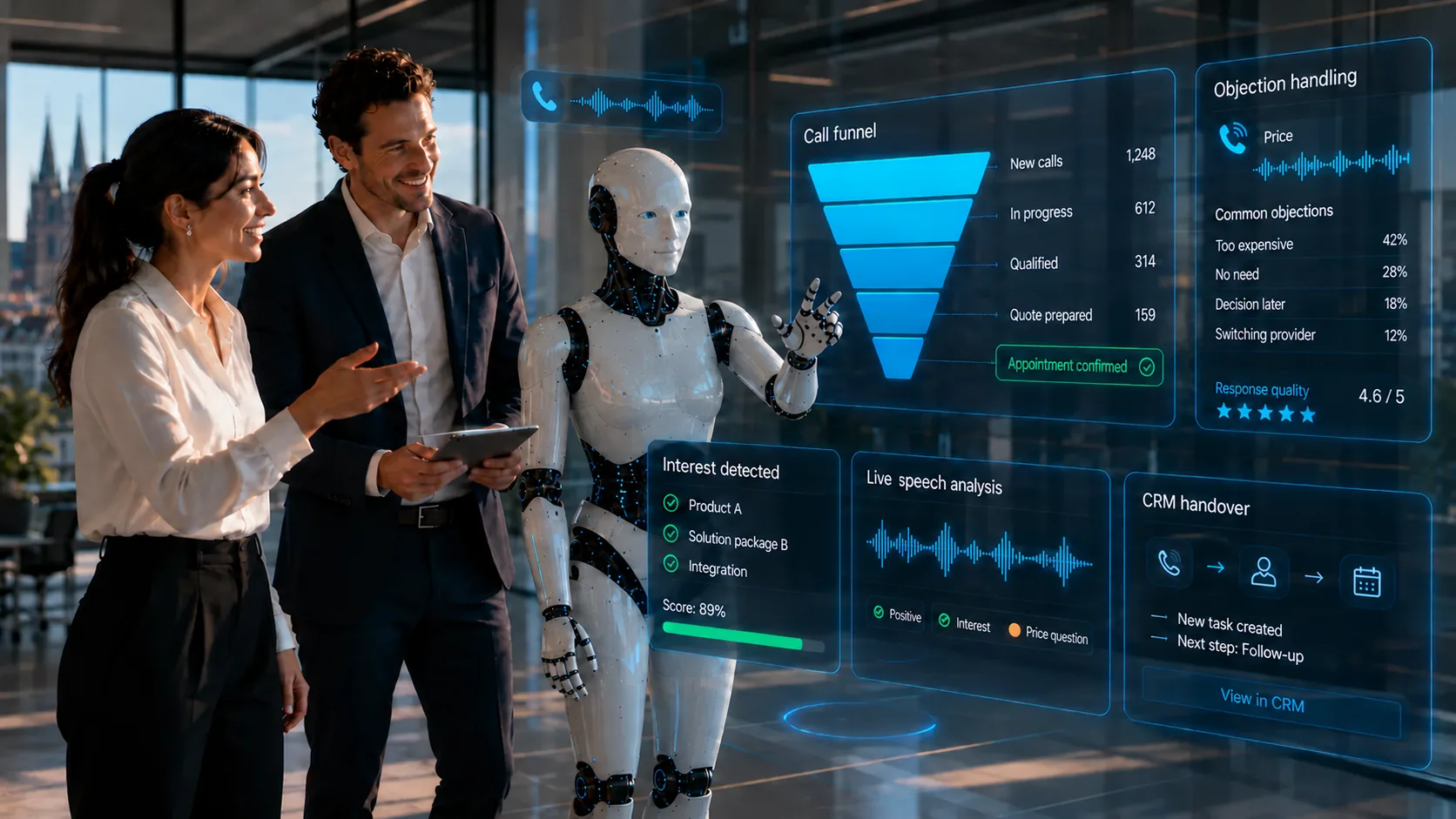
Commitments to customers, prioritisation when in doubt and all changes you define as critical. The solution prepares entries; the team decides.
The solution prepares, sorts and hands over – your staff make decisions and grant approvals, following rules you set.

For example – what exactly gets connected depends on interfaces and permissions and is checked in the AI potential assessment.
Solution building blocks are the technical components the solution is built from. Products are only named where they fit the task.
Recognise interactions, match them, prepare entries.
View building blockHandover to the CRM and ERP.
View building blockRead attachments and forms.
View building blockAs a possible source of decisions and tasks from meetings.
View productDepending on the product and interfaces, we run the solution on your premises, in a Swiss cloud or as a combination. Before the pilot, we clarify data flows, access rights and compliance requirements. Background: Private AI and On-premise & hybrid (running on your own servers or a mix of both).
| Topic | Implementation |
|---|---|
| Data | Contact, conversation and sales data – confidential. |
| Approvals | Defined fields can be updated directly; critical changes and commitments are approved first. |
| Roles & permissions | CRM permissions remain authoritative; the agent only sees and writes what the role allows. |
| Logging | Planned changes can be documented traceably with source and approval. |
| Operating model | Private cloud or hybrid – depending on the CRM; checked in the project. |
The pilot does not cover the whole process straight away. We pick a clearly defined part, set approvals and success criteria and test it with real data and the people who work with it. This approach is the same for every use case.
This can be allowed for defined fields. Critical changes and commitments should be approved.
Yes, provided suitable interfaces are available.
Rule-based or model-based prioritisation is possible, but it should be defined transparently and be verifiable.
Companies with an existing CRM that isn’t consistently maintained day to day, and with customer contacts across several channels – sales, consulting, services.
Describe your current workflow in two sentences. We check the benefit, data situation, integration effort and risks and show whether a product, a solution building block or a custom solution makes sense.