Define the use case
Which task in Outlook, Teams or SharePoint is still manual today?
We extend Microsoft 365 environments where standard features fall short – with your own knowledge sources, integrations, workflows and controlled agents.
In short: Many companies already use Microsoft 365. So this use case doesn’t start with a new chat window. It starts with the question of which tasks are still manual within your existing working environment. We then build suitable integrations, knowledge access and workflows on top.
Which task in Outlook, Teams or SharePoint is still manual today?
Licences, existing Copilot features, tenant settings.
Which specialist systems, which identities, which permissions.
Knowledge access, workflow or agent via suitable Microsoft interfaces.
What the assistant may prepare and what only a person may trigger.
Measure with real users in the existing working environment.
Examples from the workflow – no percentages, as only a measurement in your business can provide those.
| Situation | Today | With the solution |
|---|---|---|
| Specialist system data | Copilot doesn’t know them | retrievable via integration – with permissions |
| Internal process | manual, alongside Microsoft 365 | as a workflow or agent in the environment |
| Actions | not defined | defined approvals |
| Switching tools | new chat window | work stays in Outlook, Teams, SharePoint |
No new tool, no new interface.
Specialist data where the work happens.
Integrations for the specific workflow, not generic ones.
Identity, roles and approvals are part of the architecture.
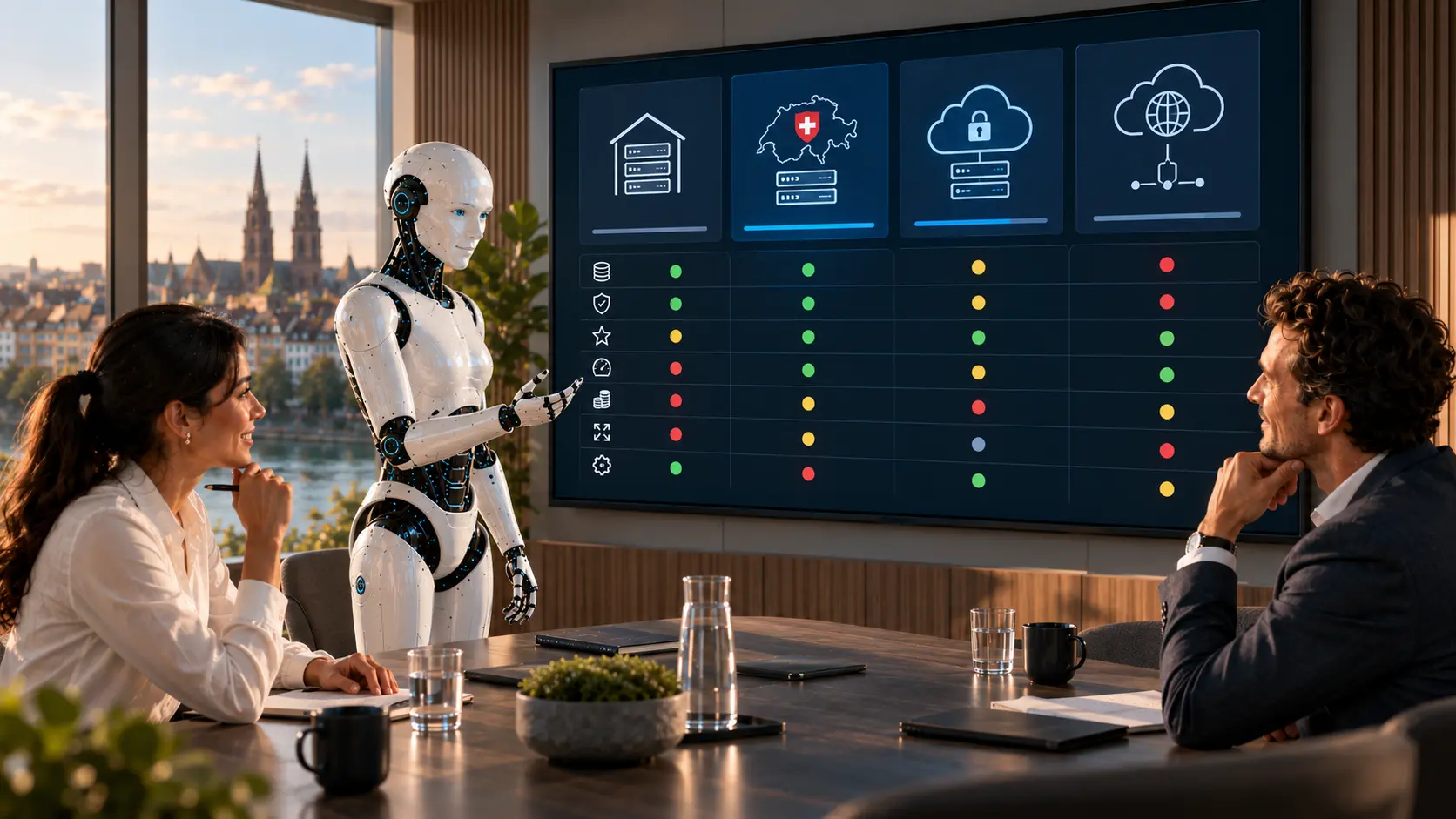
Sample images from our visual library – the interfaces shown are illustrations, not client data.



Approvals for actions and the professional responsibility. The assistant prepares and only accesses what identity and role allow.
The solution prepares, sorts and hands over – your staff make decisions and grant approvals, following rules you set.

For example – what exactly gets connected depends on interfaces and permissions and is checked in the AI potential assessment.
Solution building blocks are the technical components of the Swiss AI Platform, combined by process.
Controlled agents in the Microsoft environment.
View building blockWorkflows across specialist systems and Microsoft 365.
View building blockConnect your own knowledge sources.
View building blockIntegrations that no standard covers.
View building blockDepending on the product and interfaces, we run the solution on your premises, in a Swiss cloud or as a combination. Before the pilot, we clarify data flows, access rights and compliance requirements. Background: Private AI and On-premise & hybrid (running on your own servers or a mix of both).
| Topic | Implementation |
|---|---|
| Data | Microsoft 365 data and connected specialist system data – internal to confidential. |
| Approvals | What the assistant may trigger is defined for each action; anything with external impact is approved. |
| Roles & permissions | Microsoft identities, roles and data access remain authoritative and are part of the architecture. |
| Logging | Access and triggered actions are traceable. |
| Operating model | Microsoft cloud for the Microsoft environment; your own knowledge sources and specialist systems can stay on-premise or in a private cloud – each after a technical review. |
The pilot does not cover the whole process straight away. We pick a clearly defined part, set approvals and success criteria and test it with real data and the people who work with it. This approach is the same for every use case.
No. The aim is a sensible extension or integration where existing features don’t fully cover the specific process.
Yes, if suitable interfaces, identities and permissions are in place.
Yes. Identity, roles and data access must be part of the architecture.
Companies that use Microsoft 365 every day, but whose business processes and data partly sit outside it or need rules that standard features can’t map.
Describe your current workflow in two sentences. We check the benefit, data situation, integration effort and risks and show whether a product, a solution building block or a custom solution makes sense.