Map the current process
Who does what, with which systems, in which order – how it really runs.

We analyse the real workflow, remove unnecessary handovers and automate where data, rules and responsibilities are clear enough.
In short: Process automation looks at the entire workflow, not a single tool – for example enquiry, review, order, delivery, invoice. The aim is a sensible mix of automated steps, AI-supported interpretation and human decisions.
Who does what, with which systems, in which order – how it really runs.
Repetition, waiting times, handovers that add no value.
Set data, decision rules and approval points.
Suitable steps run automatically; AI interprets unstructured input.
Connect ERP, CRM, DMS, email and specialist software via interfaces.
Monitor lead time and error rate; expand the scope step by step.
Examples from the workflow – no percentages, as only a measurement in your business can provide those.
| Situation | Today | With the solution |
|---|---|---|
| Enquiry to order | four systems, three people, email in between | one end-to-end workflow with defined approvals |
| Status | “Go and ask your colleague” | case status visible |
| Handover | copy/paste from system to system | structured handover, a person checks at defined points |
| Expansion | every change a new stopgap | process documented, measurable, expandable |
Steps that add no value are dropped or run automatically.
Cases don’t wait for the next manual prompt.
Approval points and responsibilities are defined.
Planned steps can be logged.
Sample images from our visual library – the interfaces shown are illustrations, not client data.


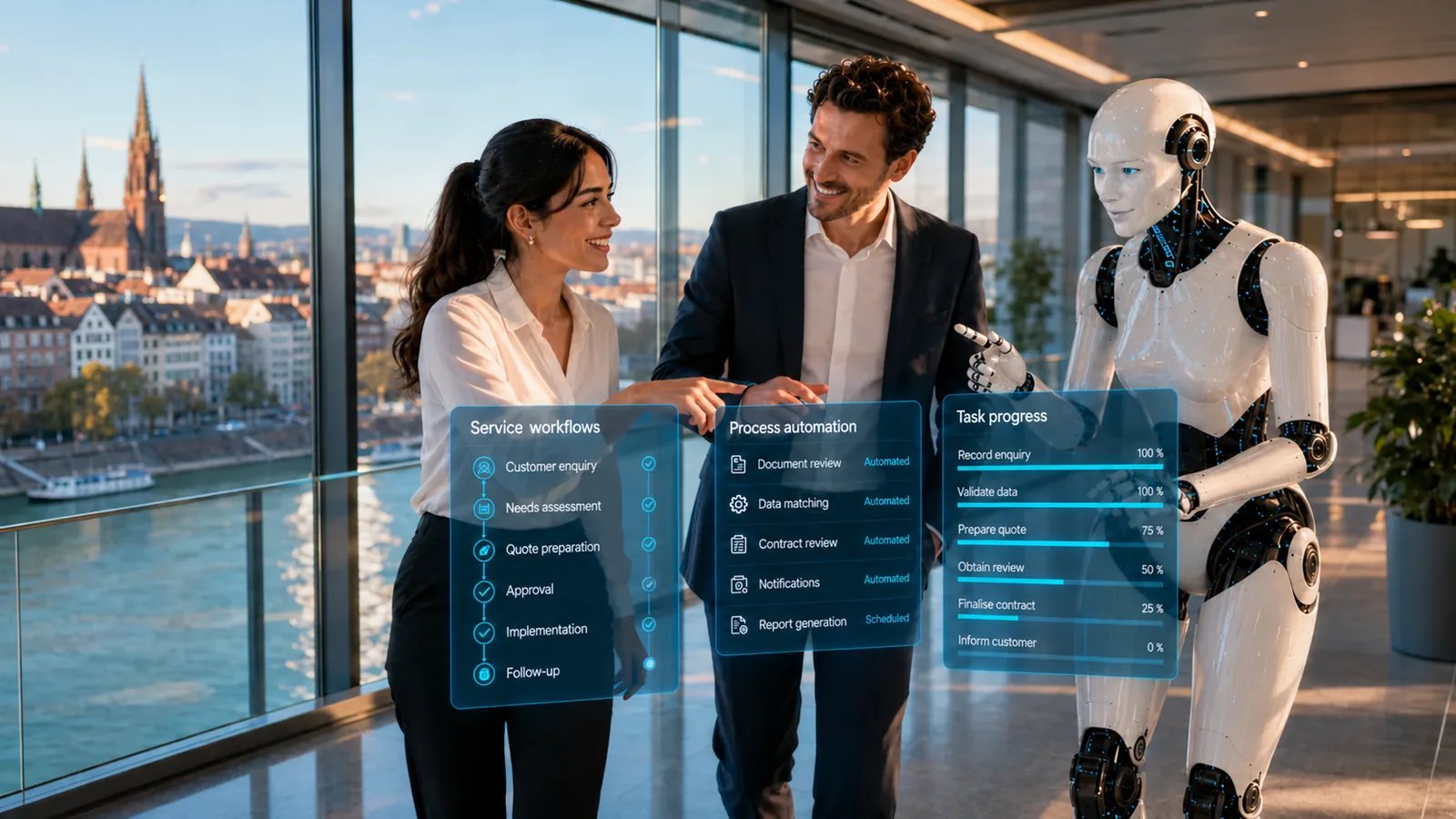
Decisions with external impact and anything that requires judgement. We automate what is rule-based or can be reliably interpreted by AI.
The solution prepares, sorts and hands over – your staff make decisions and grant approvals, following rules you set.

For example – what exactly gets connected depends on interfaces and permissions and is checked in the AI potential assessment.
Solution building blocks are the technical components of the Swiss AI Platform, combined by process.
The solution building block for handovers and triggers.
View building blockUnderstand unstructured input, decide on intermediate steps.
View building blockRead documents in the process and assign them.
View building blockWhen the process is specific.
View building blockDepending on the product and interfaces, we run the solution on your premises, in a Swiss cloud or as a combination. Before the pilot, we clarify data flows, access rights and compliance requirements. Background: Private AI and On-premise & hybrid (running on your own servers or a mix of both).
| Topic | Implementation |
|---|---|
| Data | Depends on the process: customer, order, financial or personnel data. |
| Approvals | At every point where a decision with external impact is made – commitment, booking, dispatch. |
| Roles & permissions | Roles are adopted from the source systems; who may trigger what is defined for each step. |
| Logging | Planned steps can be logged with time, input, result and approval. |
| Operating model | Running on your own servers, in a private cloud or a mix – depending on the connected systems. |
The pilot does not cover the whole process straight away. We pick a clearly defined part, set approvals and success criteria and test it with real data and the people who work with it. This approach is the same for every use case.
No. A clearly defined sub-process is often the better start.
Process automation optimises the entire business workflow. Workflow automation technically connects specific events, systems and steps.
Mainly where unstructured information needs to be understood, documents read, content classified or decisions prepared.
Companies where a workflow regularly runs across several systems and departments and is held together by hand today – regardless of size.
Describe your current workflow in two sentences. We check the benefit, data situation, integration effort and risks and show whether a product, a solution building block or a custom solution makes sense.