Detect the trigger
New email, form, order, deadline, status change or webhook.

When an event occurs, the right workflow starts automatically – with data handovers, rules, tasks and human approvals.
In short: Workflow automation connects your existing systems. A trigger – such as an email, a form, a new order or a deadline – starts defined steps. AI comes in where content needs to be understood or unstructured data processed.
New email, form, order, deadline, status change or webhook.
From the triggering system and the data sources involved.
Fixed rules; AI where content needs to be understood.
Update the CRM, create a task, file a document, prepare a message.
A person confirms at defined points.
Record results, errors and retries in a traceable way.
Examples from the workflow – no percentages, as only a measurement in your business can provide those.
| Situation | Today | With the solution |
|---|---|---|
| New email | read, retype, forward | data extracted, CRM updated, task created |
| Approval | “Can you quickly sign this off?” by email | approval step in the workflow, documented |
| Errors | silent failure, nobody notices | retry, escalation, log |
| Status | unknown | visible for each workflow |
The handover runs without anyone switching screens.
The same workflow, the same way every time.
Who confirms what and when is part of the workflow.
Retry, escalation and logging instead of silent failures.
Sample images from our visual library – the interfaces shown are illustrations, not client data.


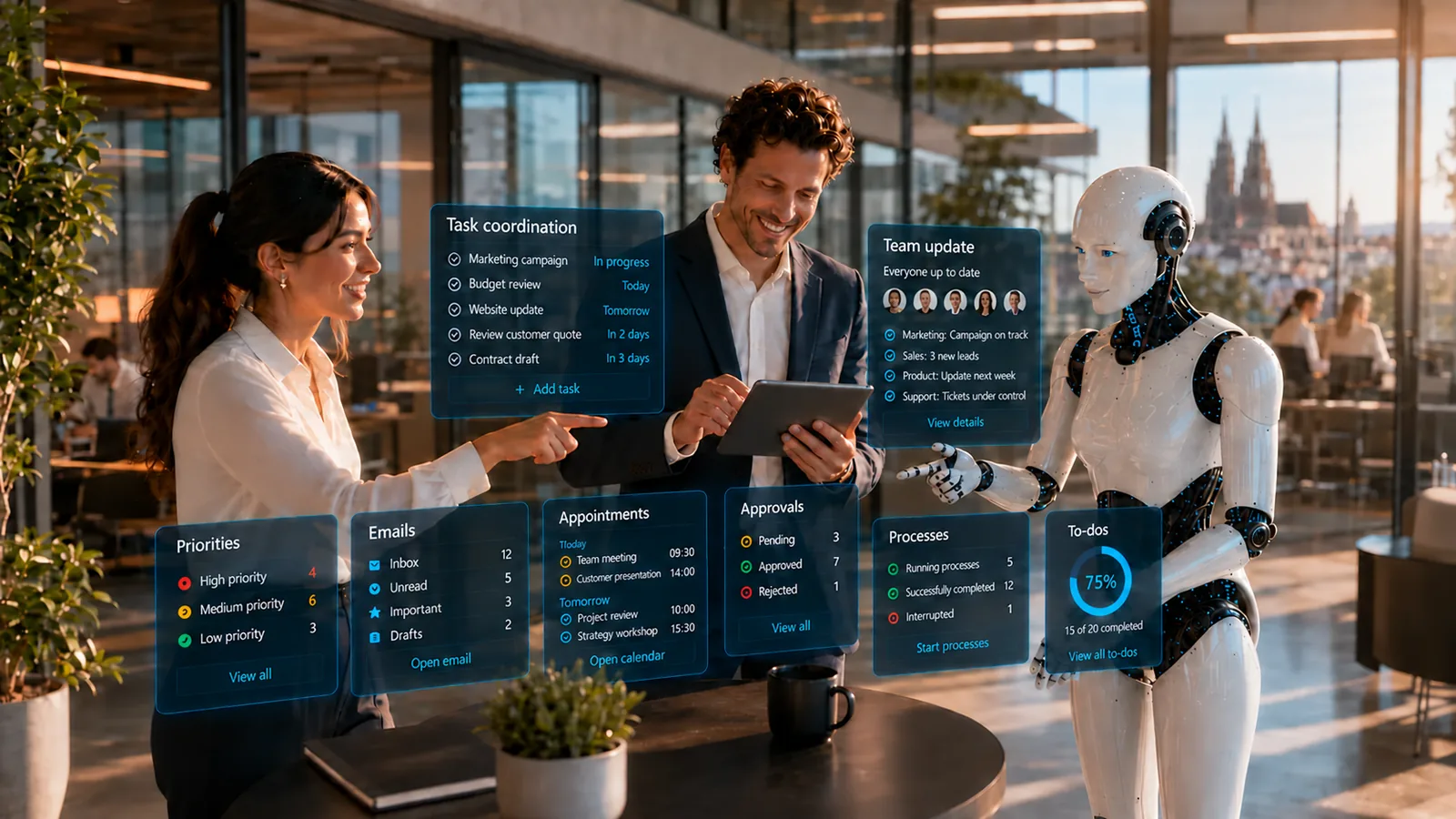
Approvals at the defined points, handling of escalated errors and the rules themselves. The workflow carries out what you have defined.
The solution prepares, sorts and hands over – your staff make decisions and grant approvals, following rules you set.

For example – what exactly gets connected depends on interfaces and permissions and is checked in the AI potential assessment.
Solution building blocks are the technical components of the Swiss AI Platform, combined by process.
Triggers, handovers, approvals – configured in Swiss AI Studio.
View building blockFor steps that need to understand content.
View building blockUnstructured attachments in the workflow.
View building blockIntegrations that no standard covers.
View building blockDepending on the product and interfaces, we run the solution on your premises, in a Swiss cloud or as a combination. Before the pilot, we clarify data flows, access rights and compliance requirements. Background: Private AI and On-premise & hybrid (running on your own servers or a mix of both).
| Topic | Implementation |
|---|---|
| Data | The data in the connected systems – internal to confidential, depending on the workflow. |
| Approvals | A person confirms at every point with external impact or financial consequences; approvals are part of the workflow, not email traffic. |
| Roles & permissions | The workflow acts with defined technical identities and only the permissions the step needs. |
| Logging | Planned runs can be logged with trigger, steps, result, errors and retries. |
| Operating model | Running on your own servers, in a private cloud or a mix – the systems’ interfaces determine the architecture. |
The pilot does not cover the whole process straight away. We pick a clearly defined part, set approvals and success criteria and test it with real data and the people who work with it. This approach is the same for every use case.
No. Workflow automation is the technical orchestration of specific steps. Process automation looks at the entire business workflow.
Workflows need retry, escalation and logging rules instead of silent failures.
A stable interface is preferable. Without an API, we check case by case which integration is reliable.
Companies with several systems that have interfaces, and with recurring workflows held together by email and copy/paste today.
Describe your current workflow in two sentences. We check the benefit, data situation, integration effort and risks and show whether a product, a solution building block or a custom solution makes sense.