Classify
Enquiry, quote, complaint, invoice, appointment, spam – with customer and case.

Incoming emails are classified, missing details spotted, replies prepared and defined follow-up processes triggered – a person checks and sends.
In short: An email agent reads defined mailboxes, recognises requests and attachments, matches customers or projects and prepares the next step. Sending, commitments or critical changes remain subject to configurable approvals.
Enquiry, quote, complaint, invoice, appointment, spam – with customer and case.
Address, property, deadline or attachment missing? Prepare a follow-up question.
Capture plans, receipts and forms in a structured way.
Draft from templates, the knowledge system and customer history.
Create a quote, suggest an appointment, create a task, open a ticket.
Create or add to a case – after approval.
Examples from the workflow – no percentages, as only a measurement in your business can provide those.
| Situation | Today | With the solution |
|---|---|---|
| Enquiry by email | lands in the shared inbox, sorted through in the evening | classified, customer matched, follow-up question prepared |
| Response | copied together by hand from old emails | draft with template and customer history; a person checks and sends |
| Attachment | opened, read, filed | extracted and assigned to the case |
| Follow-up | Excel list of who wanted what | case in the CRM/ERP, task assigned |
Incoming emails can be given a category, customer and owner promptly.
The email becomes the case, without re-typing.
Missing details are spotted early.
Who prepared and approved what, and when, is documented.
Sample images from our visual library – the interfaces shown are illustrations, not client data.



Sending, commitments and any reply in non-approved cases. The agent prepares and triggers defined steps.
The solution prepares, sorts and hands over – your staff make decisions and grant approvals, following rules you set.
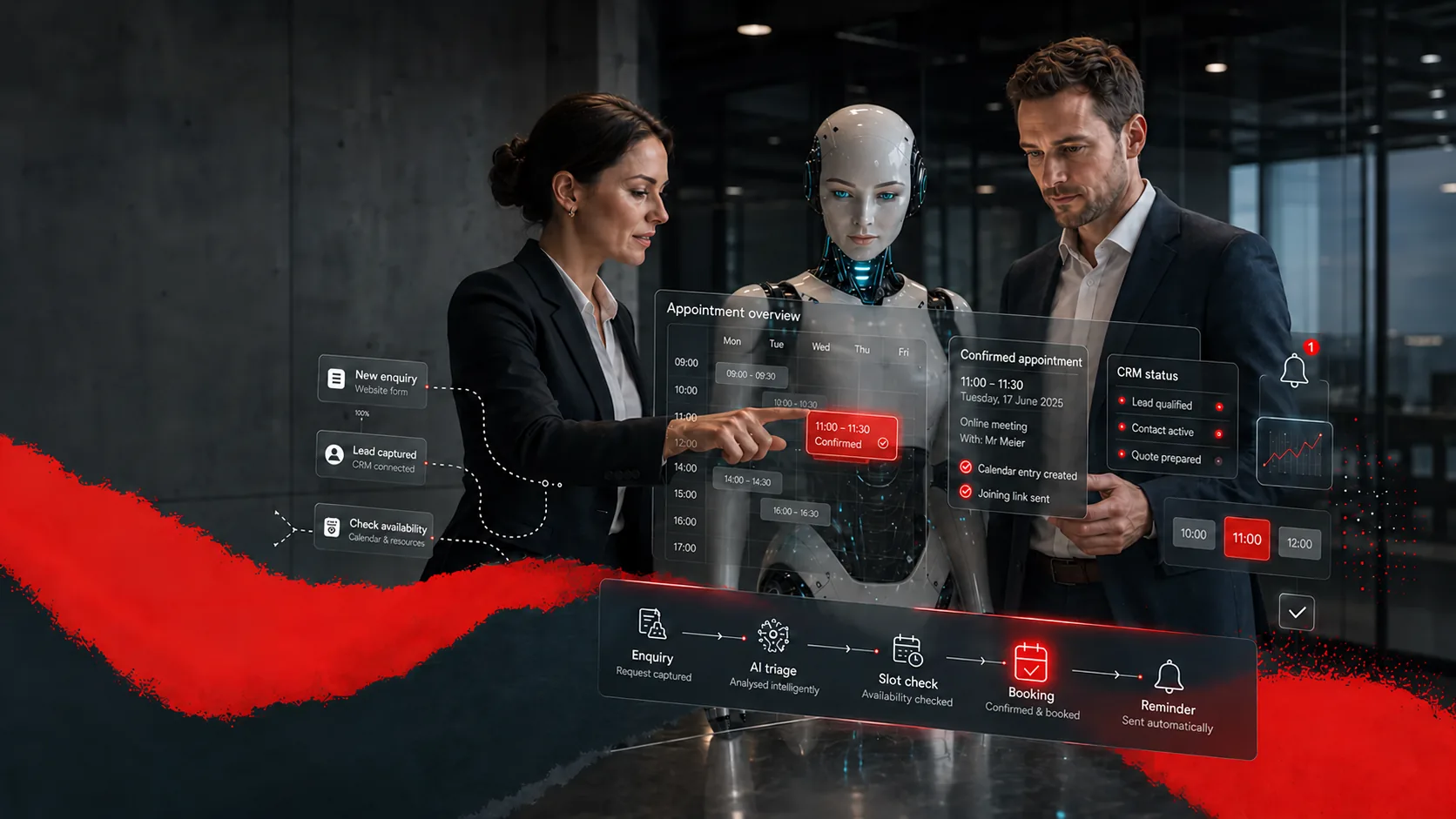
For example – what exactly gets connected depends on interfaces and permissions and is checked in the AI potential assessment.
Solution building blocks are the technical components the solution is built from. Products are only named where they fit the task.
Task, tools, approvals – the agent works through the inbox.
View building blockRecognise and read attachments.
View building blockHandover to CRM, ERP, calendar.
View building blockThe enquiry becomes the quote.
View productDepending on the product and interfaces, we run the solution on your premises, in a Swiss cloud or as a combination. Before the pilot, we clarify data flows, access rights and compliance requirements. Background: Private AI and On-premise & hybrid (running on your own servers or a mix of both).
| Topic | Implementation |
|---|---|
| Data | Customer data and correspondence – internal to confidential. |
| Approvals | Before sending and before commitments; the default is “draft, a person checks and sends”. |
| Roles & permissions | Mailbox access and write permissions in CRM/ERP by role; suspicious emails get no automatic attachment processing. |
| Logging | Classification, draft, approval and triggered steps traceable for each email. |
| Operating model | Private cloud, running on your own servers or a mix – mailbox access determines the architecture. |
The pilot does not cover the whole process straight away. We pick a clearly defined part, set approvals and success criteria and test it with real data and the people who work with it. This approach is the same for every use case.
Only in defined and approved cases; the default can be “draft, a person checks and sends”.
Security rules and existing protection systems must be placed upstream or taken into account; suspicious emails are not processed automatically.
Yes, provided access, interfaces and permissions are in place.
Businesses with a shared mailbox, many similar enquiries and follow-up processes in a CRM, ERP or ticketing system – from administration to service teams.
Describe your current workflow in two sentences. We check the benefit, data situation, integration effort and risks and show whether a product, a solution building block or a custom solution makes sense.